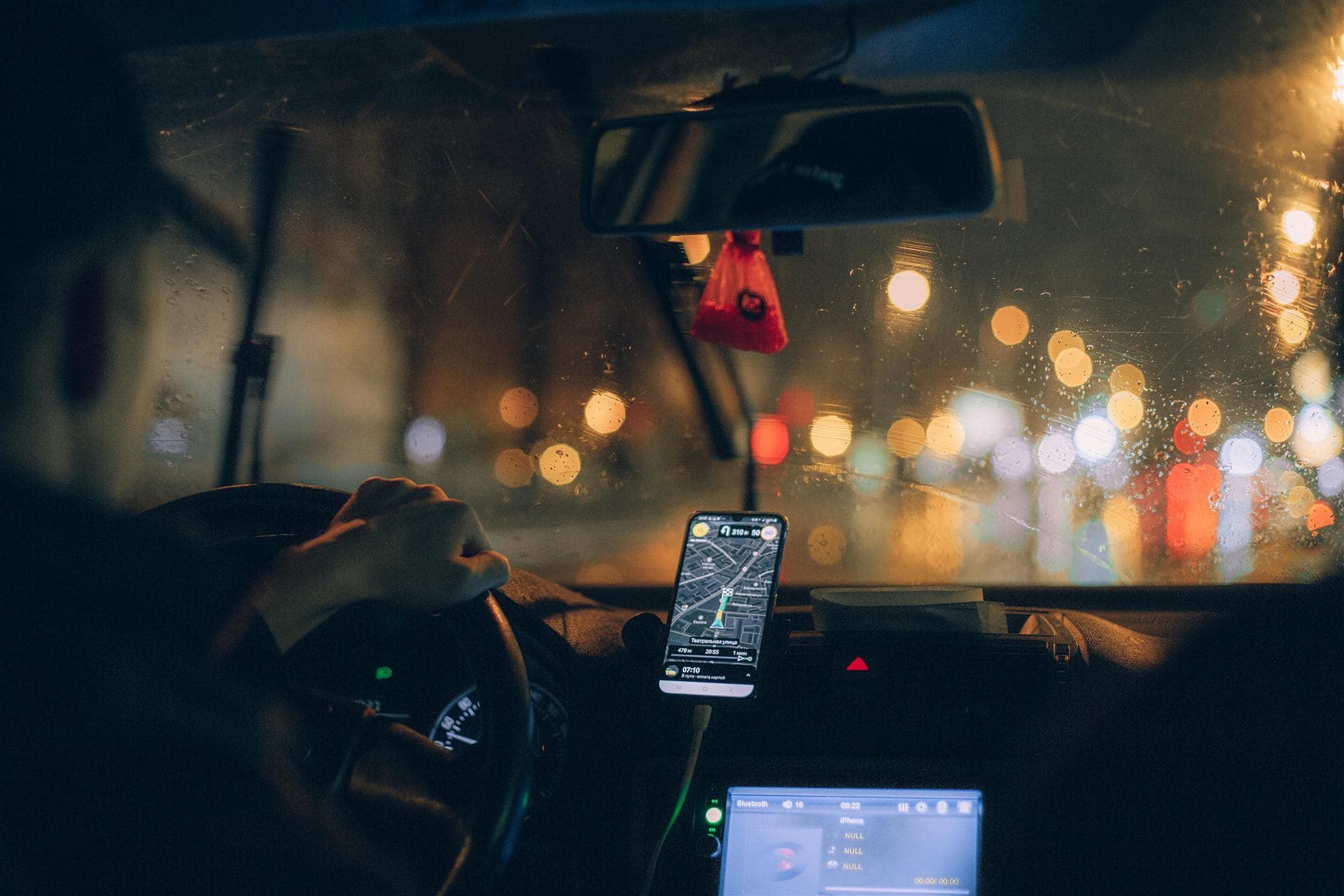
Show your code, the driver scans it, and you're on your way. No coins, no change, no cash to carry.
Ride with TaxiTap
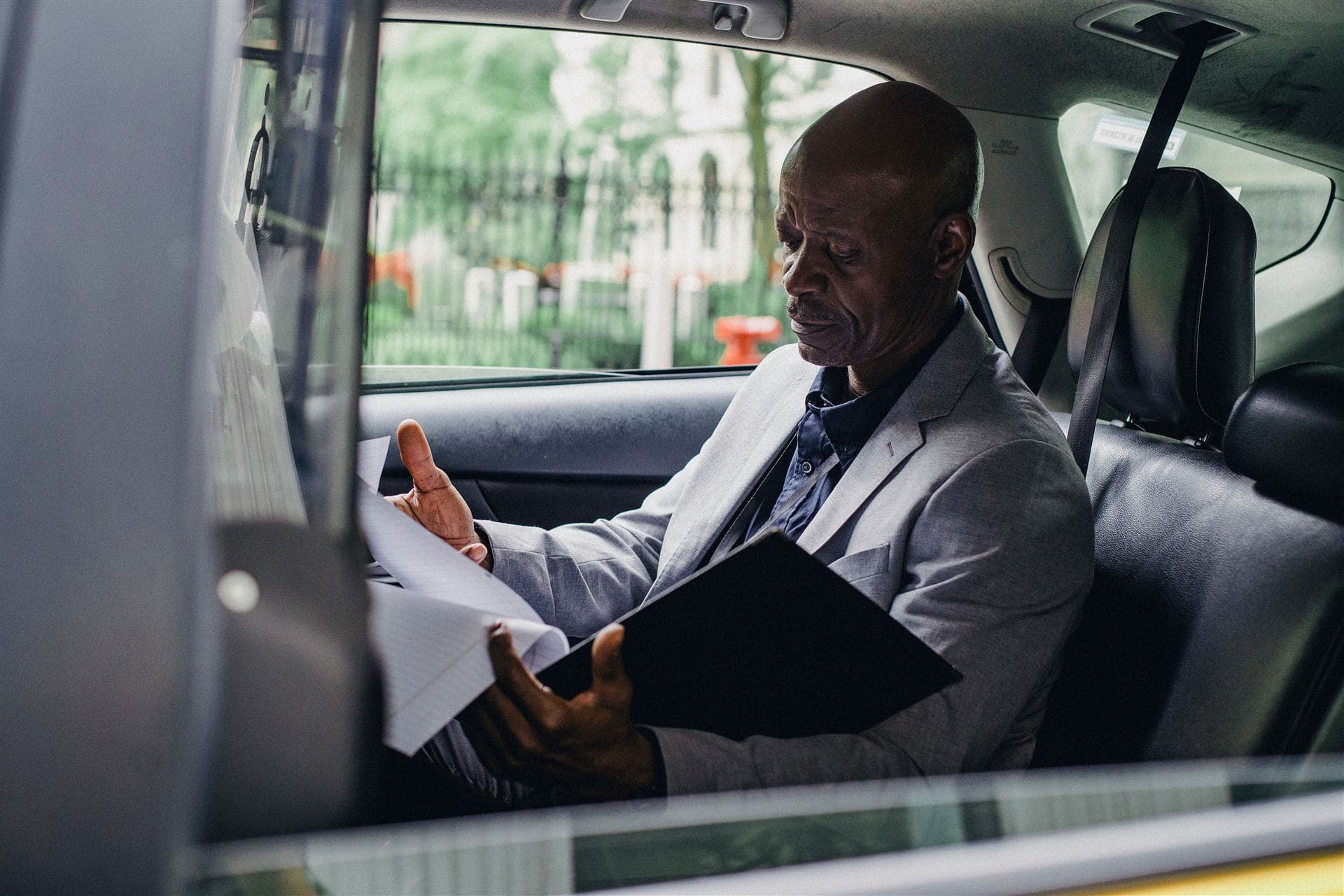
Pay any TaxiTap driver with your bank card. You pay the fare plus the bank card fee — TaxiTap adds nothing on top.
- ✓No more hunting for coins or waiting for change
- ✓A receipt for every trip on your phone
- ✓Each pay code works once, so nobody can reuse it
Drive with TaxiTap
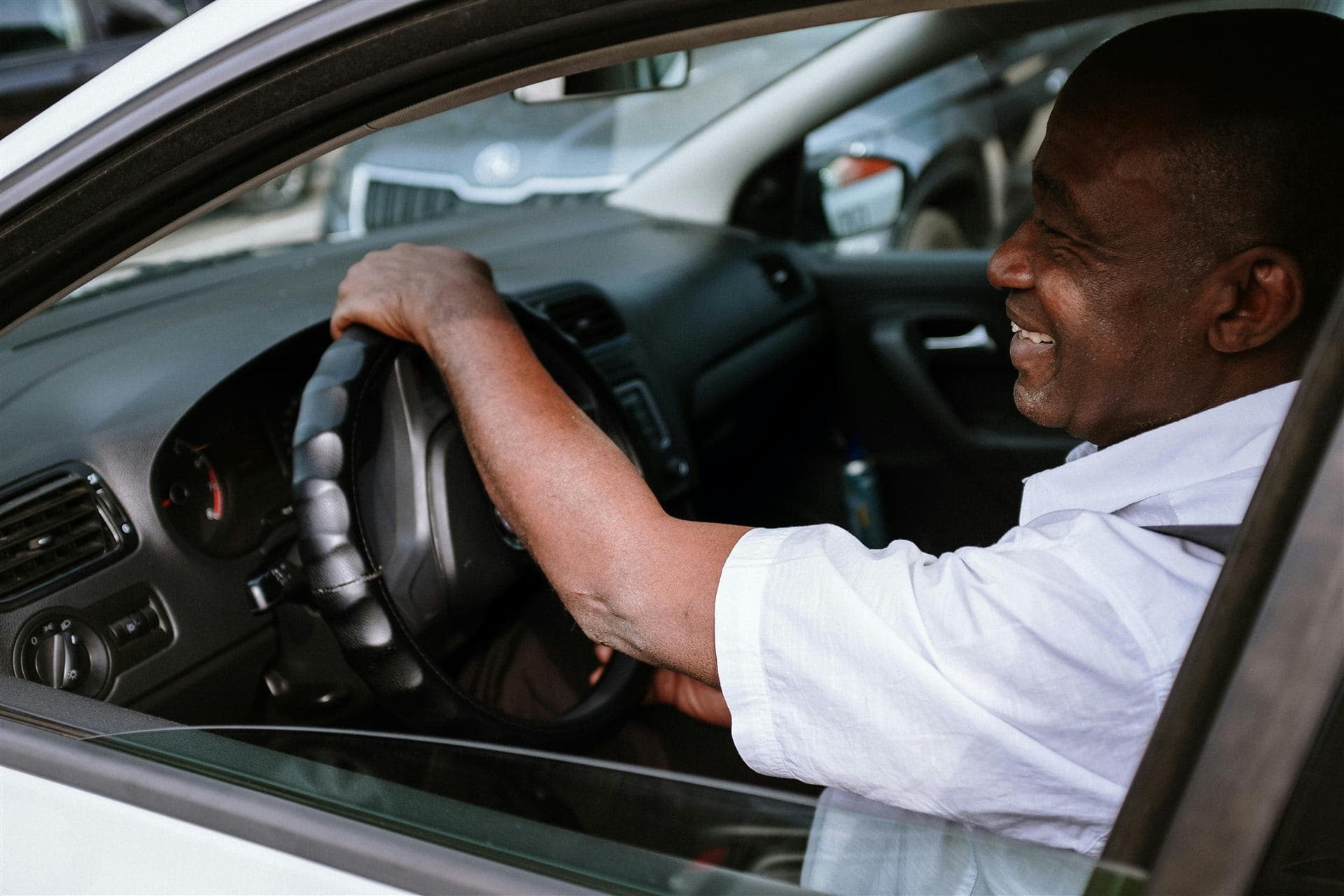
Get fares paid by Paystack straight into your own bank account. Carry less cash, so there is less to lose.
- ✓Every fare recorded automatically in your trip log
- ✓A small 3% TaxiTap fee per fare — no monthly costs
- ✓Sign up in the TaxiTap Driver app in minutes
How it works
- 1
Save your card once
Add your bank card in the TaxiTap app. We check it with a small amount that is refunded straight away.
- 2
Show your pay code
When you get in, open TaxiTap and show your pay code. It works once and expires after 90 seconds.
- 3
Driver scans, you're done
The driver scans your code and enters the fare. You get a receipt, and the driver is paid into their bank account.
No app? Riders can also pay by scanning the driver's QR code, which opens a secure card checkout in the browser.
Upfront pricing
Riders pay the fare plus the bank card fee — nothing else. Drivers pay a small 3% platform fee.
See all feesExample trip
- Fare
- R15.00
- Bank card fee
- R1.71
- Rider pays
- R16.71
- Driver receives
- R14.55
Safe by design
Card details never touch TaxiTap
Cards are captured and stored by Paystack. We only see the card type and last four digits.
You approve every fare
Nothing is charged unless you show a fresh pay code. Each code works once and expires after 90 seconds.
No stored balances
TaxiTap does not hold your money. Each fare is charged once and paid directly to the driver.